Getting approved for Happy Oyster feels like the finish line right up until the create screen opens and a new problem replaces the old one. You finally have access, but now you have to make a good first decision: which mode do you start in, and how do you avoid wasting the first session on the wrong kind of prompt?
I checked the current activated create surface at happyoyster.cn on April 21, 2026. The live UI labels the two entry modes Wandering and Directing. Many early discussions shorten those to Wander and Direct, but the on-screen labels matter because the product is asking you to choose a workflow, not just a mood.
If you are still waiting for access, start with How To Apply For Happy Oyster Beta And Improve Your Approval Chances. This guide begins from the moment you already have a code or approved account path.
The First Step After Approval Is Usually Not The Dashboard
One detail that surprises new users is that approval does not necessarily look like a classic SaaS welcome flow. The current public gate is invite-code-centered, so your access may arrive as a code or approval message tied to the same Google account you used during application.
The safest re-entry path is still the official one: go back to the create route, sign in with the same account you used for the waitlist request, and apply the code if the gate asks for one.
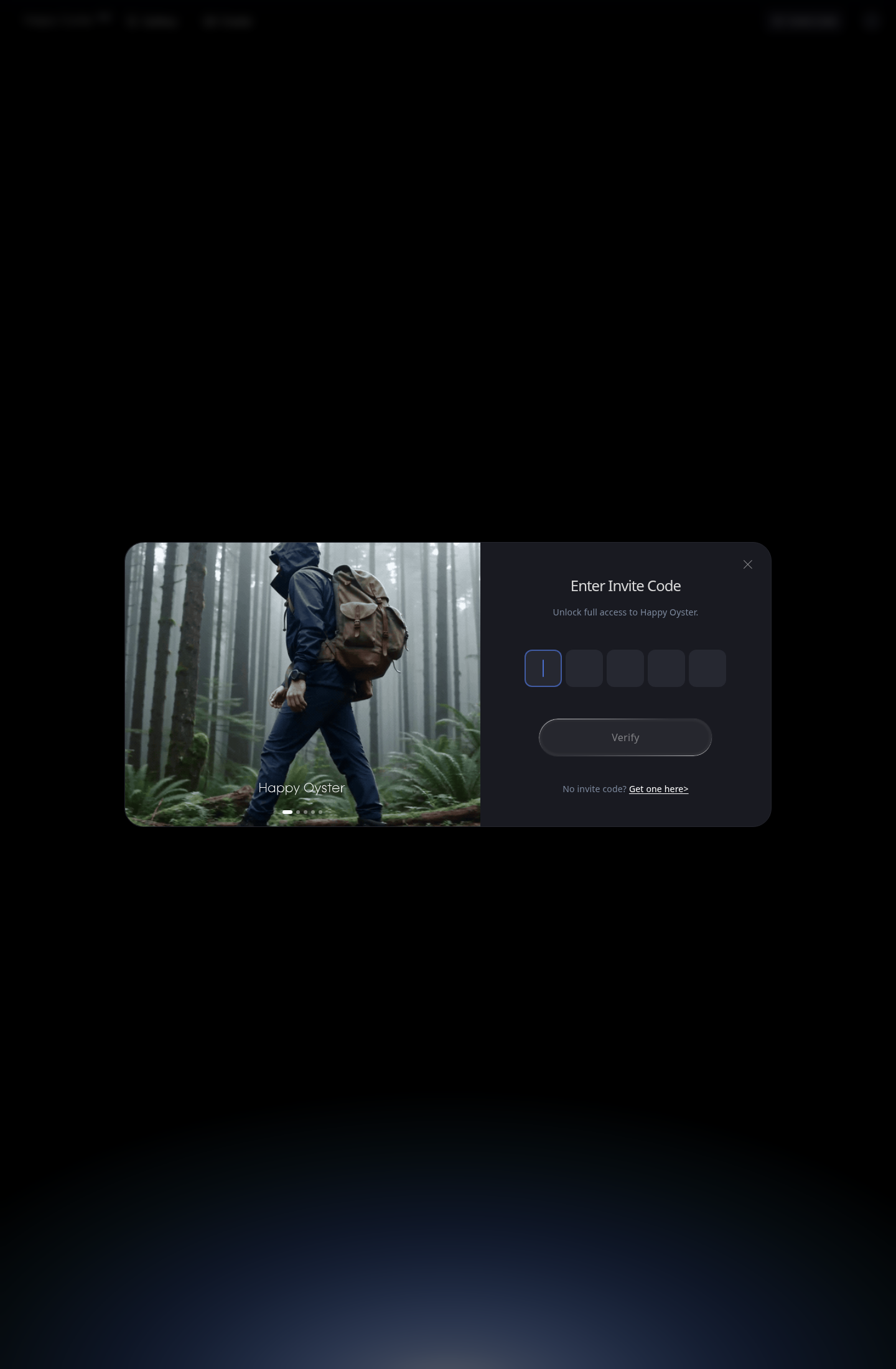
Once the gate is cleared, the create surface becomes available. That is where most first-time users make their second mistake: they assume the tool wants a generic AI video prompt. It does not. Happy Oyster is much more sensitive to whether you are trying to discover a world or direct a scene inside one.
What The Create Screen Is Really Asking You To Choose
The current create interface exposes two modes side by side.
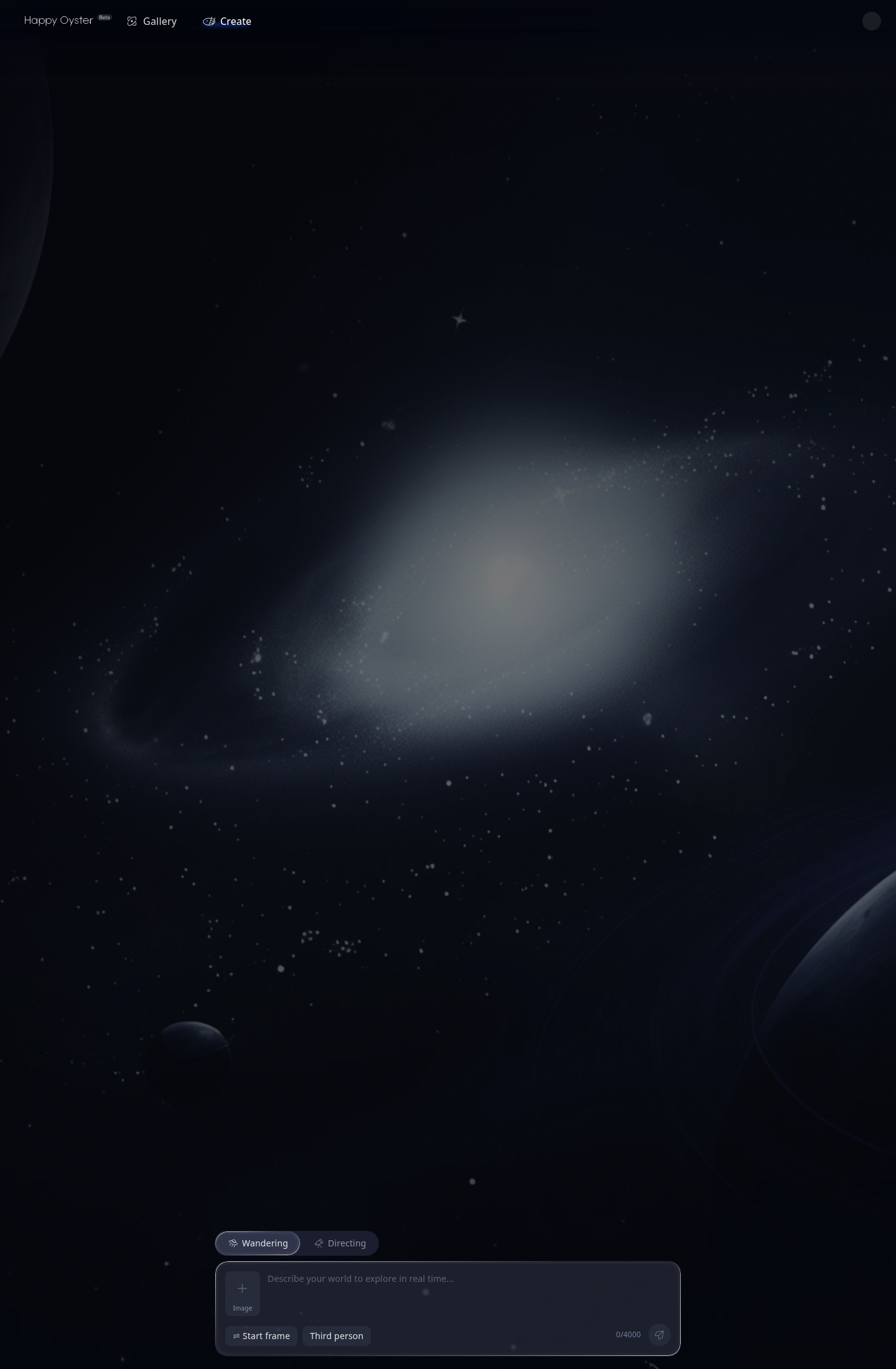
At a glance, that can look like a simple feature split. In practice, it is more like a workflow fork.
Wandering is for spatial discovery. It is the mode you choose when the main value comes from exploring a place, testing atmosphere, or letting a world reveal itself through movement. If you are still deciding what the environment should feel like, how the geography should read, or whether a concept can hold up as a space instead of a still image, Wandering is the smarter first move.
Directing is for intention. It is what you use once you already know the shot, the action, or the scene beat you want to control. If the task is less "show me what this world could be" and more "make this moment happen inside the world," Directing is the better choice.
That difference sounds subtle until you ignore it. Then the failure mode is immediate: Wandering drifts when you need a locked shot, and Directing feels stiff when the world itself still needs discovery.
Start With Wandering When You Need World Logic
Wandering works best when your real question is spatial, not editorial. You want to know whether the place exists convincingly enough to move through. You want to discover landmarks, scale, route, mood, and continuity. In other words, you are asking for a world before you ask for a shot.
That means your prompt should behave like an environment brief. Good Wandering prompts describe the setting, the atmosphere, and the physical logic of the space without over-writing every second of movement. A better prompt is not "beautiful sci-fi world." A better prompt is "an abandoned cliffside observatory above a storm sea, with broken glass corridors, cold teal light, and heavy wind, explored as a persistent place rather than a montage."
The reason that works is simple. It gives Happy Oyster something stable to build from: a place, not just a vibe.
The current create surface also shows supporting controls such as Start frame, perspective choices like Third person, and image input. Those are not decorative extras. If you already have a reference image or a composition you want to preserve, use them early. They reduce ambiguity and make Wandering less likely to collapse into generic exploration.
Switch To Directing When The World Is Good Enough And The Shot Matters
Directing becomes useful the moment the question changes from discovery to control. Now you care about what happens next, how the camera should behave, what the subject should do, and what should remain consistent through the sequence.
That means your prompt needs to stop sounding like a mood board and start sounding like direction. Instead of "cyberpunk alley at night," you want something closer to "third-person shot of a courier moving through a narrow neon alley, camera trailing slightly above shoulder height, steady forward motion, wet pavement reflections preserved, no abrupt scene changes."
This is where new users discover that Happy Oyster rewards precision differently than ordinary AI video tools. Decorative adjectives help less than stable constraints. If your prompt has plenty of style but no blocking, you are still describing taste, not direction.
The First-Session Mistakes That Make The Tool Seem Worse Than It Is
The most common first-session mistake is choosing the wrong mode for the wrong question. A close second is writing prompts that are too vague to hold space or too overloaded to stay coherent.
There are a few patterns behind that:
- using Wandering for a tightly choreographed moment that really needs Directing;
- using Directing before the world itself is convincing enough to direct inside;
- changing style, camera logic, subject action, and environment all at once;
- expecting the first pass to be a final shot instead of a diagnostic pass.
That last point matters. The first output is usually where you learn which variable is broken. If the space is strong but the motion is wrong, keep the world and change the direction. If the motion is fine but the environment feels generic, strengthen the place instead of rewriting the whole idea.
A Better Way To Use The First Hour
The most productive first session is usually a short sequence, not a single all-or-nothing generation. Start with one Wandering pass to see whether the world holds together. Then move into Directing for the shot or narrative beat that actually matters. After that, refine one variable at a time.
That rhythm keeps you from overcommitting too early and helps you learn what Happy Oyster is actually good at in your workflow. For publication, add real screenshots from your own approved inbox and active workspace later rather than mocking them.