If you have been eager to test Happy Oyster and still do not know where to start, you are not imagining the friction. The path is real, but it is easy to miss, easy to undersell, and easy to misunderstand once you are waiting. I checked the live public flow at happyoyster.cn on April 21, 2026, including the homepage, the sign-in gate, the invite-code modal, the visible waitlist form, and the activated create surface. Where Happy Oyster states something directly in the interface, I treat it as official. Where I recommend extra buffer or positioning advice, I label it as practical guidance.
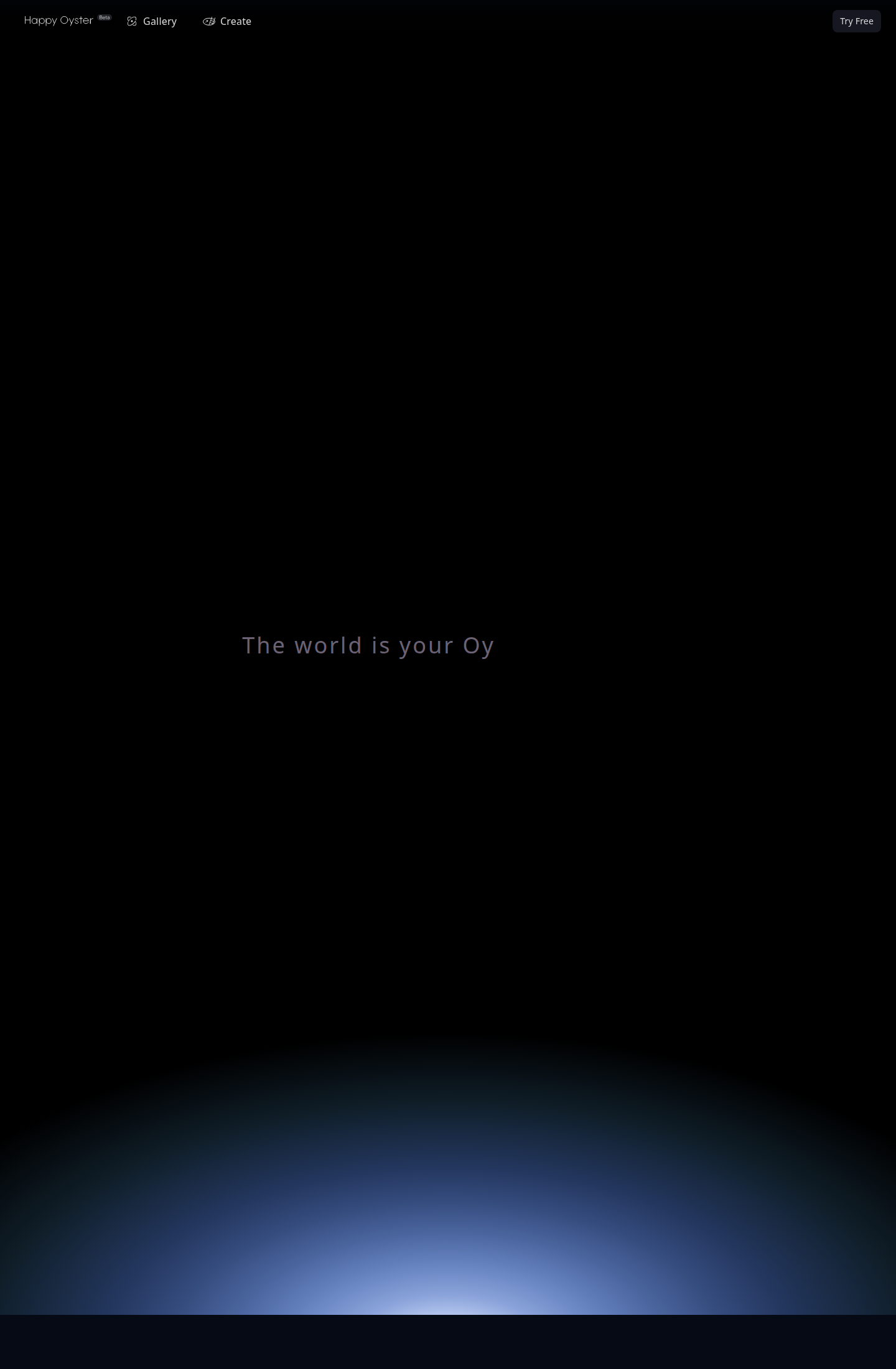
The official website at happyoyster.cn is the right starting point. If you are coming from reposted clips, unofficial invite sellers, or social threads without a site link, stop and return to the official domain first.
Start With The Only Legitimate Entry Point
The first thing to get right is the channel. Right now, the only legitimate public entry point is the official Happy Oyster website at happyoyster.cn. The homepage footer also identifies the product as "Happy Oyster © 2026 powered by Alibaba ATH," which helps confirm you are in the right place.
That sounds obvious, but it solves a real problem. People waste time hunting for separate beta forms, private Discord links, or invite-code resellers. The current public flow does not ask you to begin anywhere else. Start on the official site and follow the create gate from there.
What The Beta Gate Looks Like Right Now
When I checked the current flow, going to the create surface led first to a Google sign-in modal. After sign-in, the next visible gate was not a generic application page. It was an Enter Invite Code modal with a secondary path for people who do not have one yet.
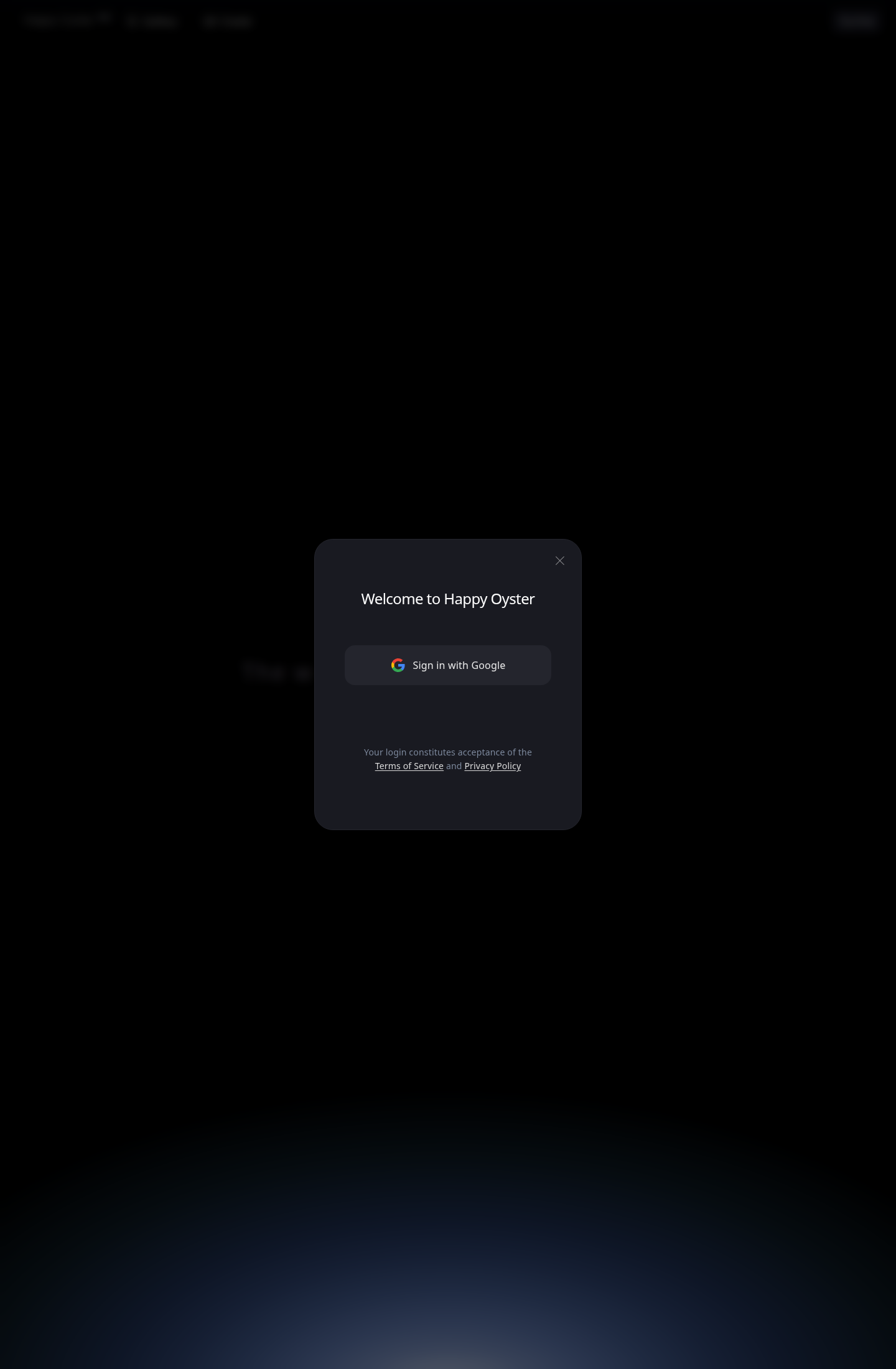
The create route currently opens with a Google login gate. That matters because the email tied to this login becomes the email associated with your waitlist request.
If you are already signed in but not approved, the site currently opens an invite-code gate like this:
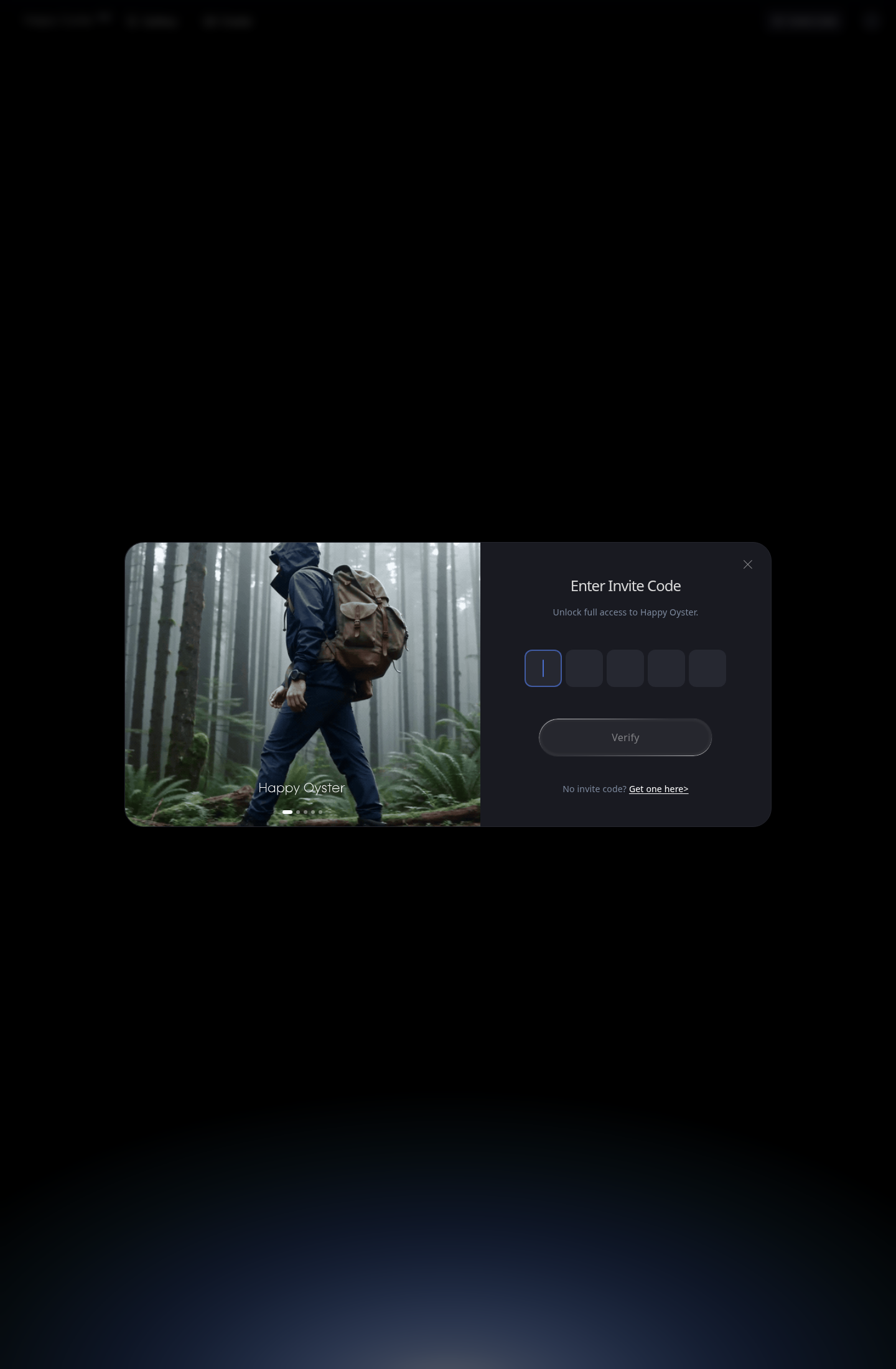
That detail clears up one of the biggest points of confusion. There is no separate public "beta portal" to discover elsewhere. The waitlist is currently attached to the gated create experience.
The current public interface says Happy Oyster will review applications within 7 business days. That is the official on-screen guidance. For planning purposes, I would still budget 7 to 14 business days before you assume something is wrong. That second number is not an official SLA. It is a practical buffer for a gated beta with manual review and periodic invite-code distribution.
One more detail worth knowing: the live form I checked visibly asks for Registered email, Role / Title, How did you hear about us?, and Additional details. The interface strings also still contain a Company / Organization label, so do not be surprised if the exact form evolves between builds.
Fill The Form Like A Production Brief, Not A Fan Letter
The easiest way to get ignored is to sound impressed instead of prepared. Reviewers do not need another application that says, "I love AI video and want to try your product." That tells them almost nothing. A stronger application sounds like a real project owner describing a concrete bottleneck.
The current form uses your signed-in email as a locked Registered email field, so pick the Google account you actually intend to use. Do not sign in with a throwaway address and assume you can clean it up later inside the form. The public UI does not treat that field as editable.
Then focus on the field that does the real work: Additional details. This is where you show fit. The best responses do three things at once. They name a real workflow, they explain why Happy Oyster is relevant to that workflow, and they keep the scope narrow enough to sound credible.
A strong example looks like this:
I am an independent game developer specializing in 3D scene prototyping, and I want to use Happy Oyster to reduce the cost of early scene design and camera testing. That fits the product's world-building and game-development positioning better than a general-purpose AI video workflow.
That description works because it makes the use case legible. It does not try to sound clever. It shows that the applicant understands what Happy Oyster is actually good at: persistent space, scene logic, and exploratory world-building rather than just flashy one-shot clips.
By contrast, weak applications usually fall into one of these traps: they are too vague, they promise five unrelated use cases at once, or they talk about "content creation" so broadly that the reviewer still has no idea why this specific tool belongs in the applicant's workflow.
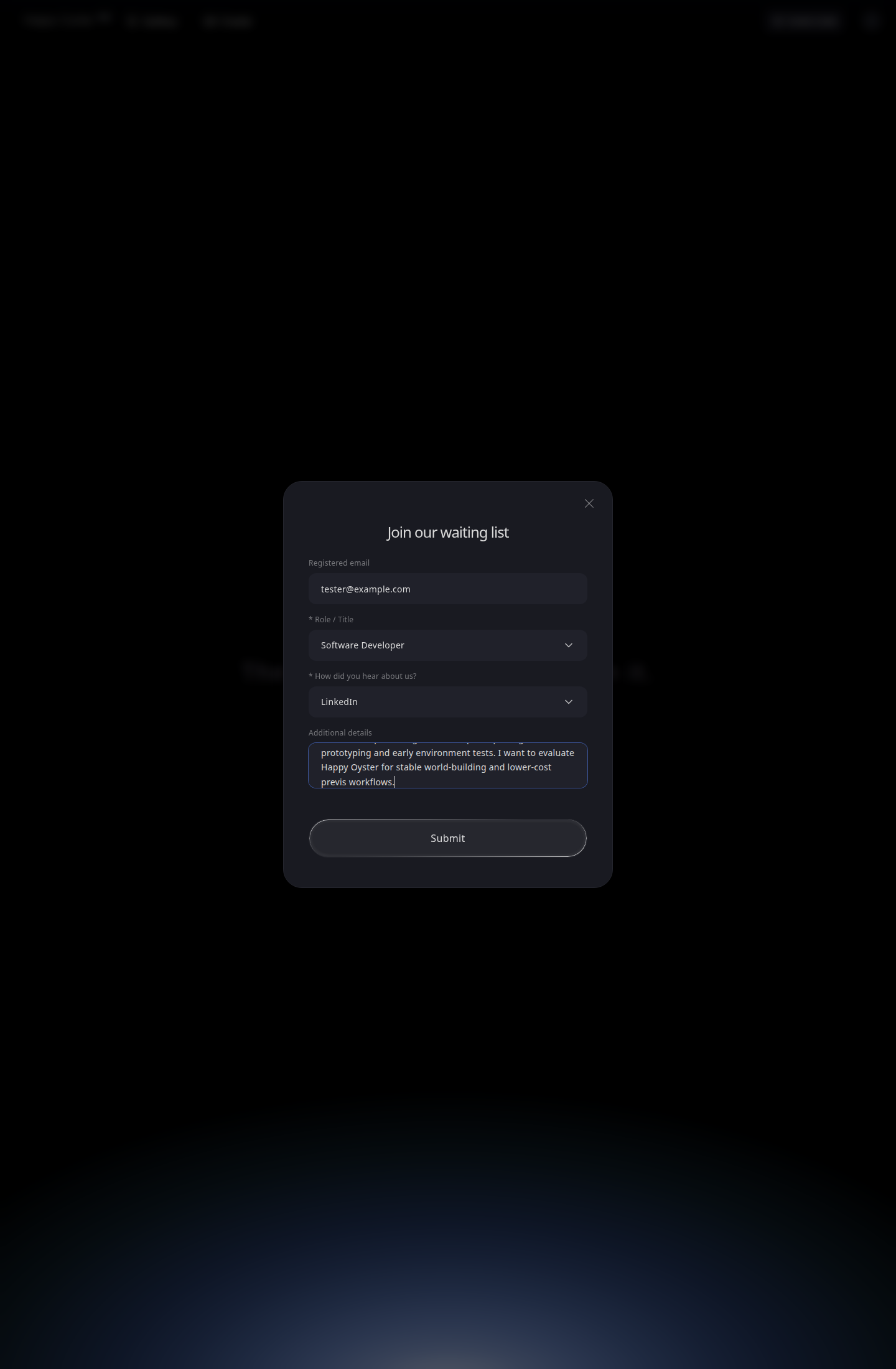
The form is short. That makes every field more important, not less. Use the Additional details box to describe the workflow you actually want to test.
What Actually Improves Approval Odds
The applications most likely to get traction are the ones that feel easiest to place inside the product roadmap. You want the reviewer to think, "Yes, this person is clearly asking for the right thing."
- Use a real professional identity in the role field.
Software Developer,Content Creator,Founder / CEO, and the other current options are there for a reason. - Tie your request to one primary workflow: 3D scene prototyping, previs, environment exploration, or another clear world-model use case.
- Write one concrete reason Happy Oyster is a better fit than a generic AI video tool.
- Keep the language operational. Reviewers trust phrases like "early scene design," "camera testing," and "previs review" more than empty hype.
The common mistakes are consistent too: an empty Additional details box, a vague sentence that could describe any AI tool, the wrong login email, or an application so broad it sounds unfocused.
What Happens After You Submit
Once the form goes through, the current public UI moves into a pending state rather than a detailed application dashboard.
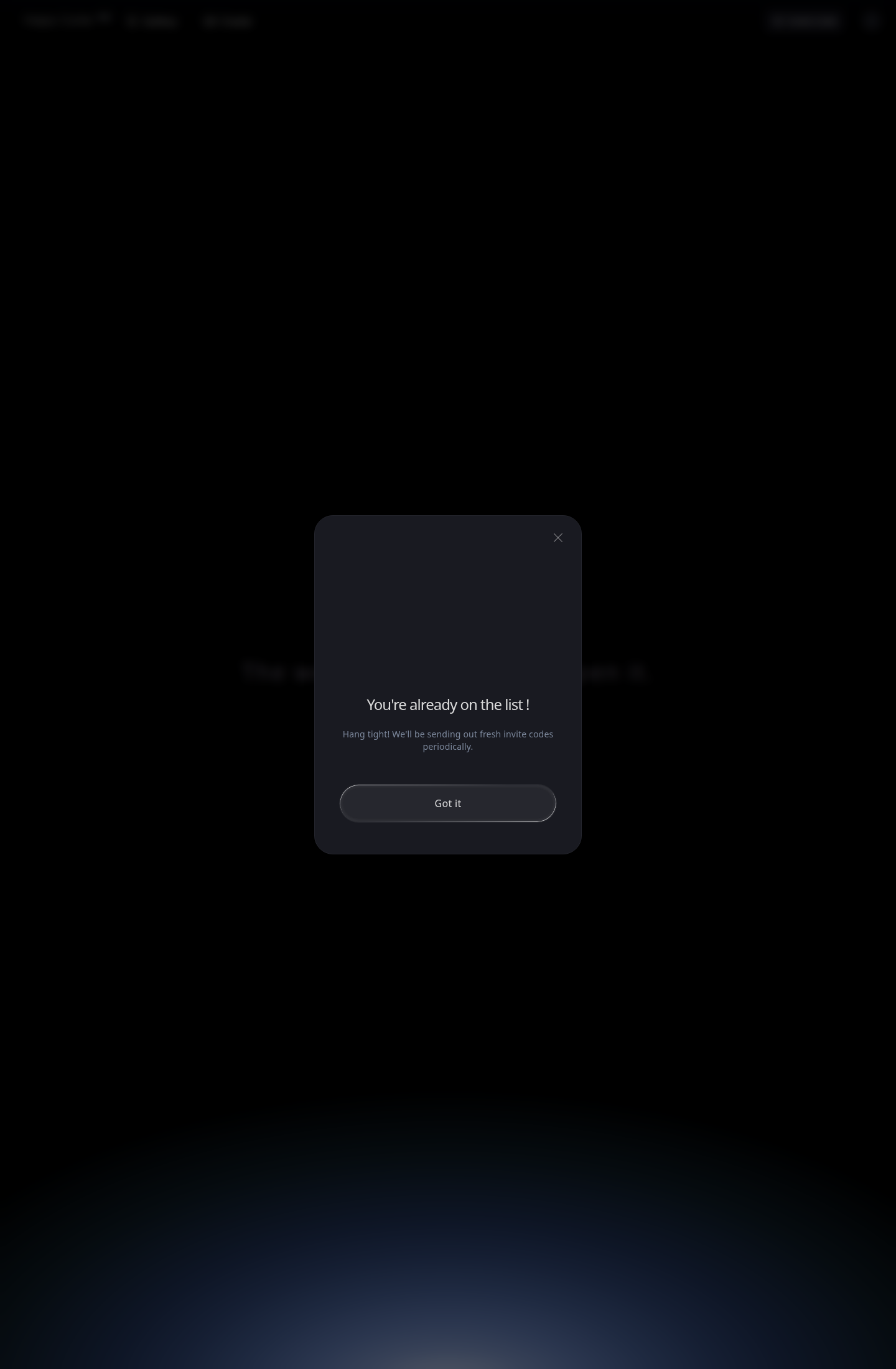
That pending message confirms two things. First, your request has been recorded. Second, Happy Oyster appears to be distributing access in waves, because the message explicitly says fresh invite codes are sent periodically. In practice, that means patience is smarter than repeated reapplication.
For publication, add one more redacted screenshot from your own approved inbox once it arrives. The public product flow does not expose that message inside the site itself, and a mockup would undercut trust.
If you do get access, the next step is not to improvise. The activated create surface currently uses two distinct modes, Wandering and Directing, and choosing the wrong one is the fastest way to waste your first session. For that part, continue with How To Start Using Happy Oyster After Approval: Directing And Wandering Explained.